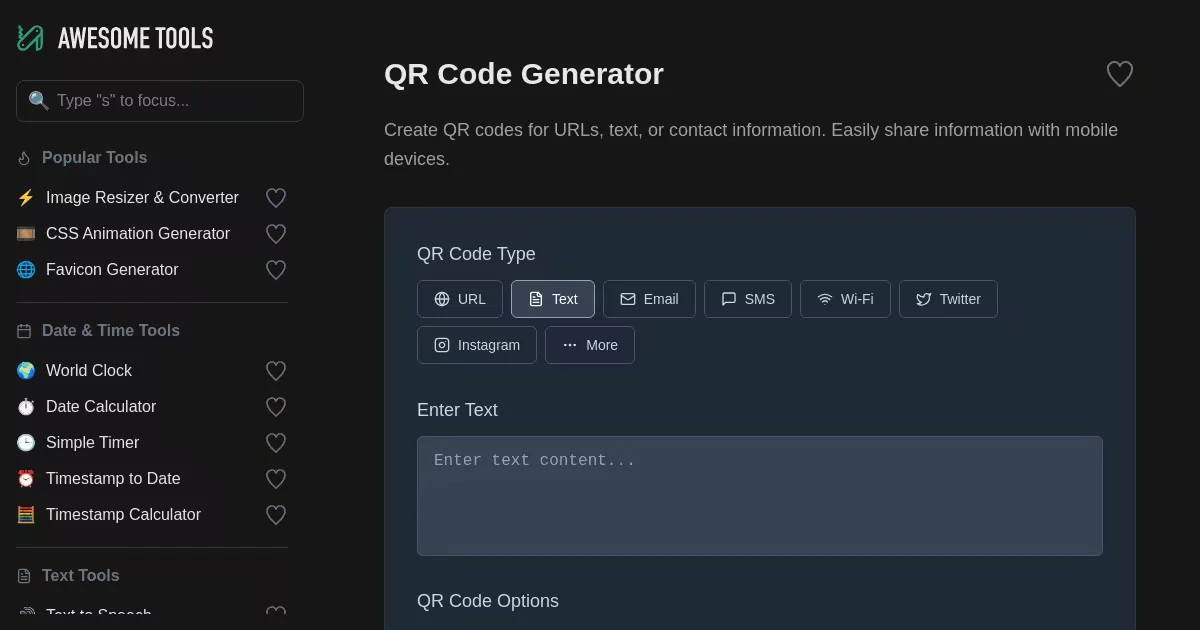
QR Code Generator (awesometools.app)
Generate custom QR codes for URLs, text, email, SMS, Wi-Fi credentials, and social media profiles. Customize size, error correction level, and foreground/background colors. Free and easy to use.

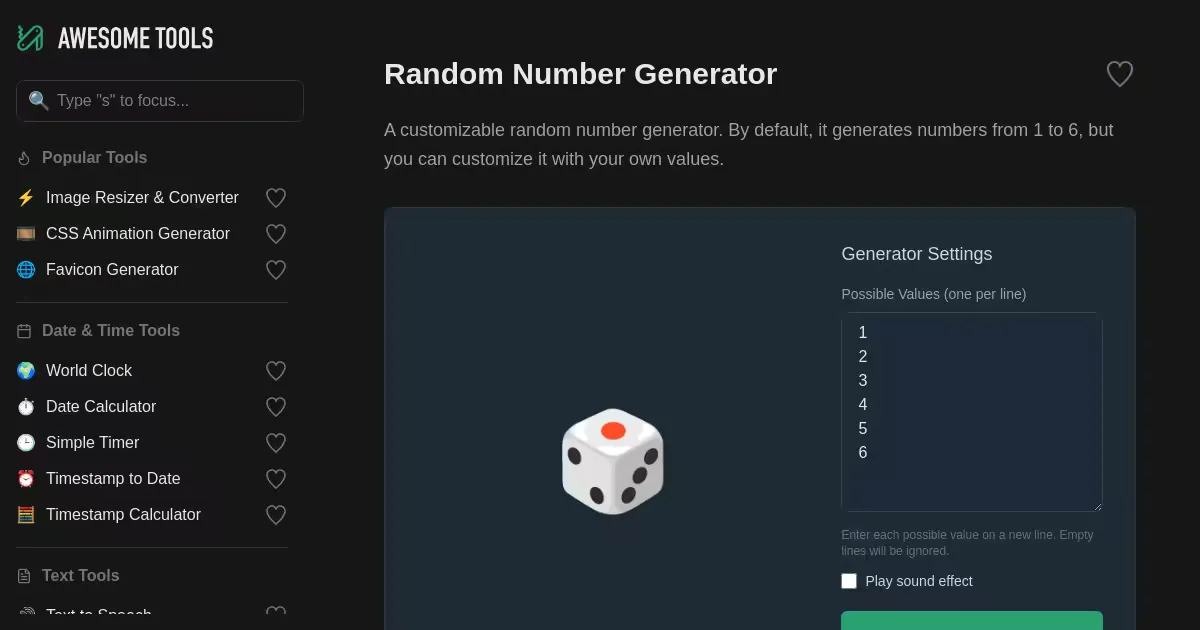
Random Number Generator (awesometools.app)
Generate random selections from any custom set of values. Enter your own possible values (one per line) instead of being limited to preset ranges. Includes optional sound effects and ignores empty lines automatically.


Schema Markup Generator (awesometools.app)
Generate JSON-LD schema markup for your website to improve SEO and search engine appearance. Supports Organization, Website, Web Application, Software Application, Video Game, and Blog schema types with customizable properties and rating configuration.

Simple Note (awesometools.app)
A minimalist browser-based note-taking tool for quick thoughts and ideas. Lightweight and straightforward for capturing notes without unnecessary complexity.

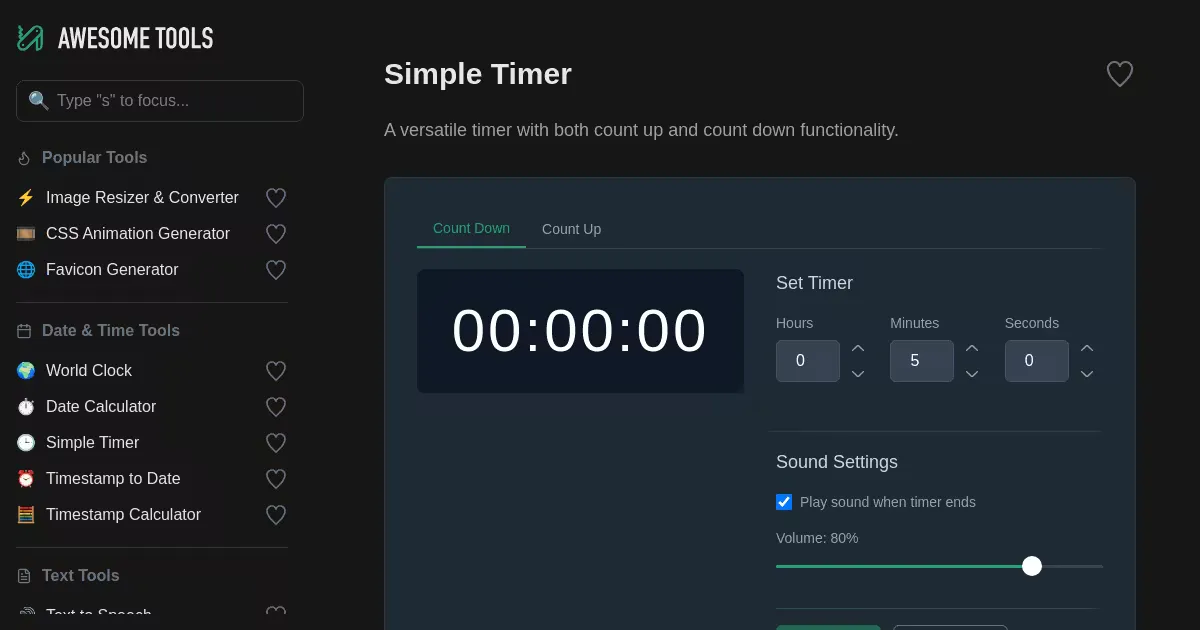
Simple Timer (awesometools.app)
A timer tool with both count-up and countdown functionality. Set hours, minutes, and seconds with optional sound notifications. Perfect for cooking, workouts, and any timed activities.

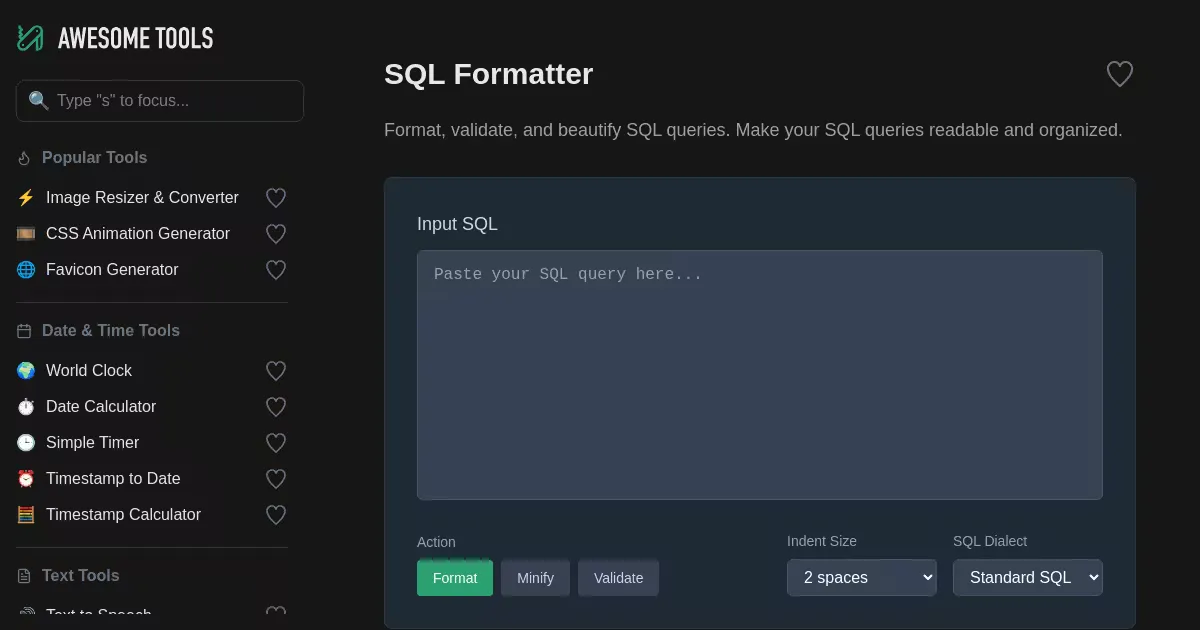
SQL Formatter (awesometools.app)
Format, beautify, and organize SQL queries with this free online tool. Supports multiple SQL dialects including Standard SQL, MySQL, PostgreSQL, and SQL Server (T-SQL). Customize indentation and minify or validate your SQL code.

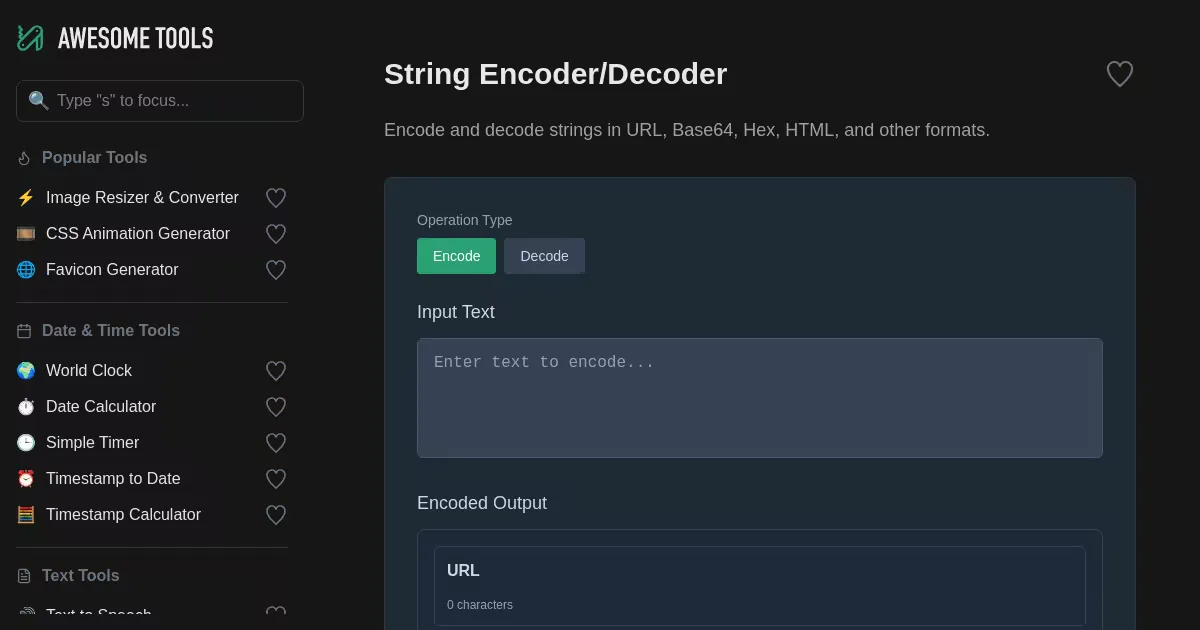
String Encoder/Decoder (awesometools.app)
Encode and decode strings in URL, Base64, Hex, HTML, and other formats. Supports bidirectional conversion with real-time processing and simultaneous display of multiple encoding results for easy comparison.

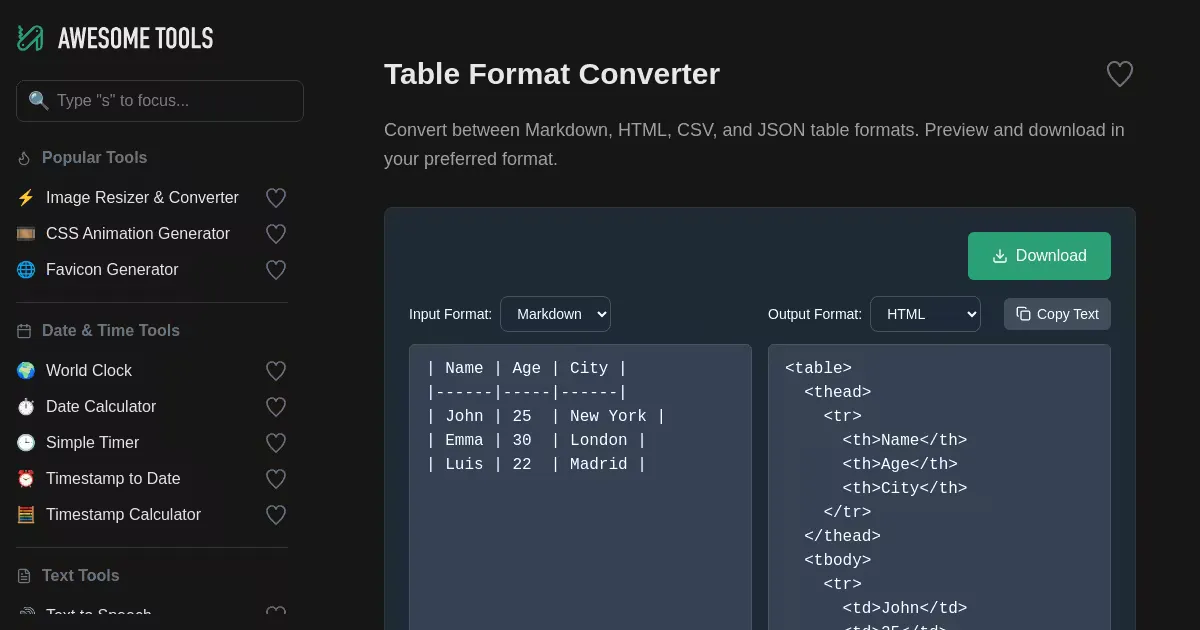
Table Format Converter (awesometools.app)
Convert between Markdown, HTML, CSV, and JSON table formats. Features real-time HTML preview and download capability for your preferred output format. Input and output format selectable via dropdowns.

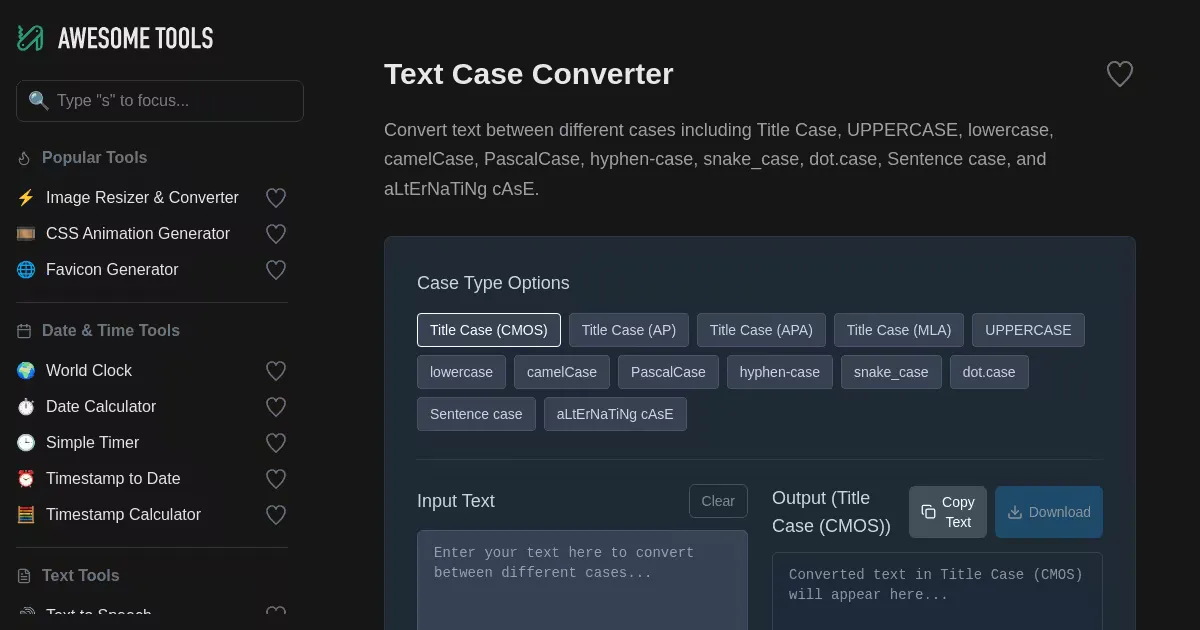
Text Case Converter (awesometools.app)
Convert text between multiple case styles including Title Case, UPPERCASE, lowercase, camelCase, PascalCase, snake_case, hyphen-case, and more. Supports academic style guides for writing.

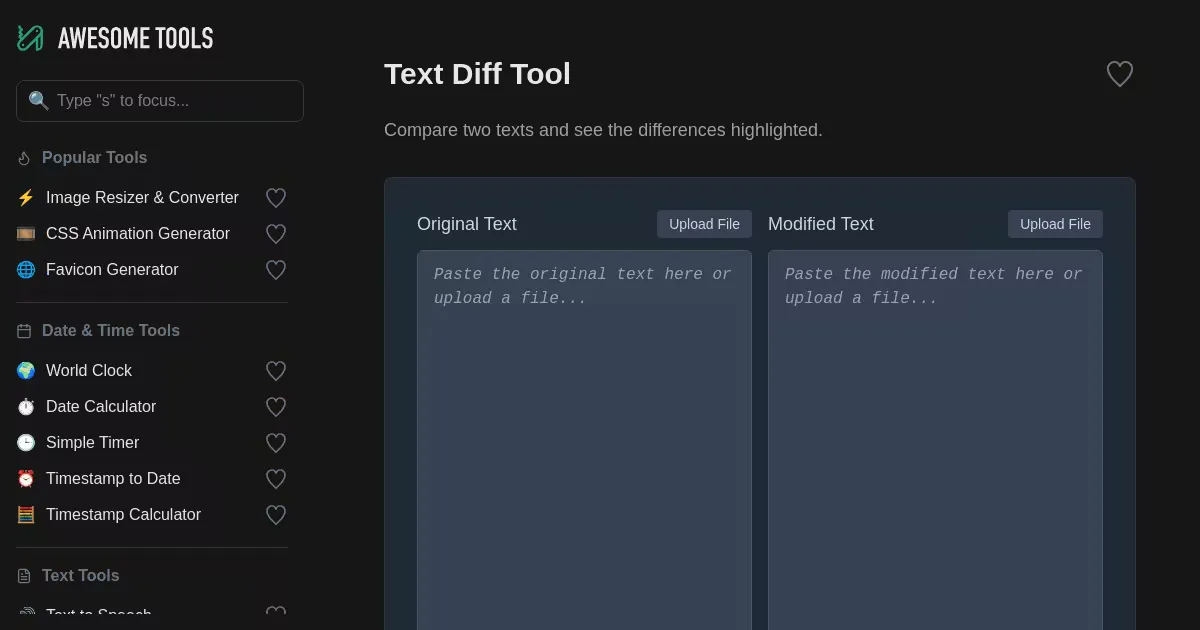
Text Diff Tool (awesometools.app)
Compare two texts and visualize the differences. Highlights additions in green, deletions in red, and modifications in blue, with character-level precision.

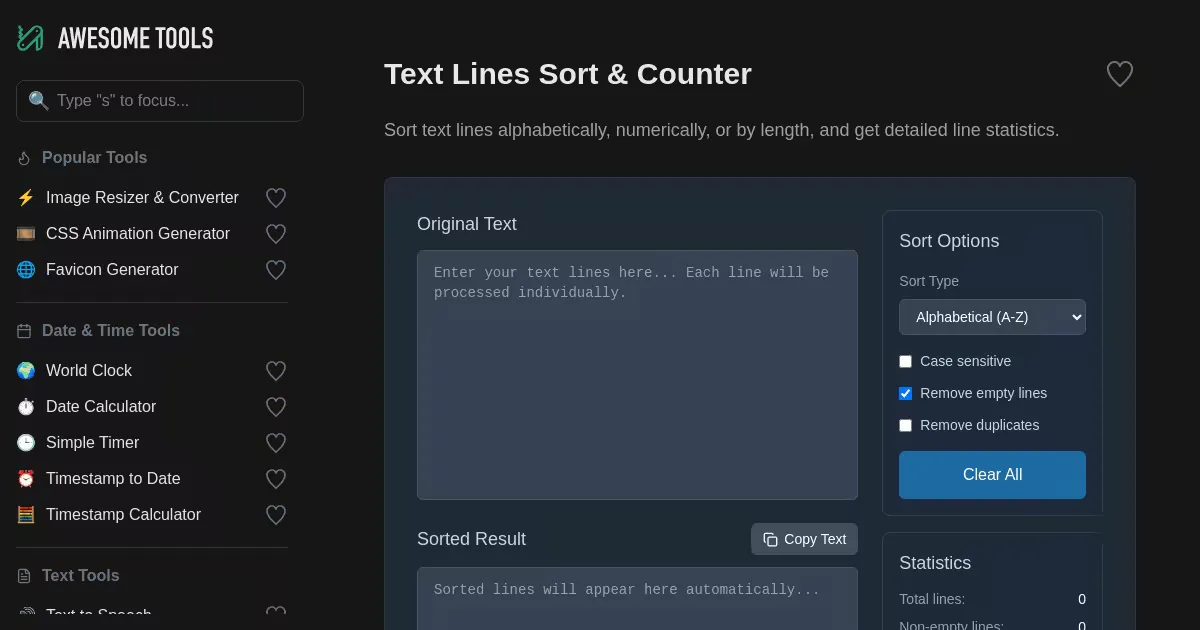
Text Lines Sort & Counter (awesometools.app)
Sort text lines alphabetically, numerically, or by length, and count total, non-empty, and unique lines. Supports filtering empty lines and removing duplicates with optional case sensitivity.

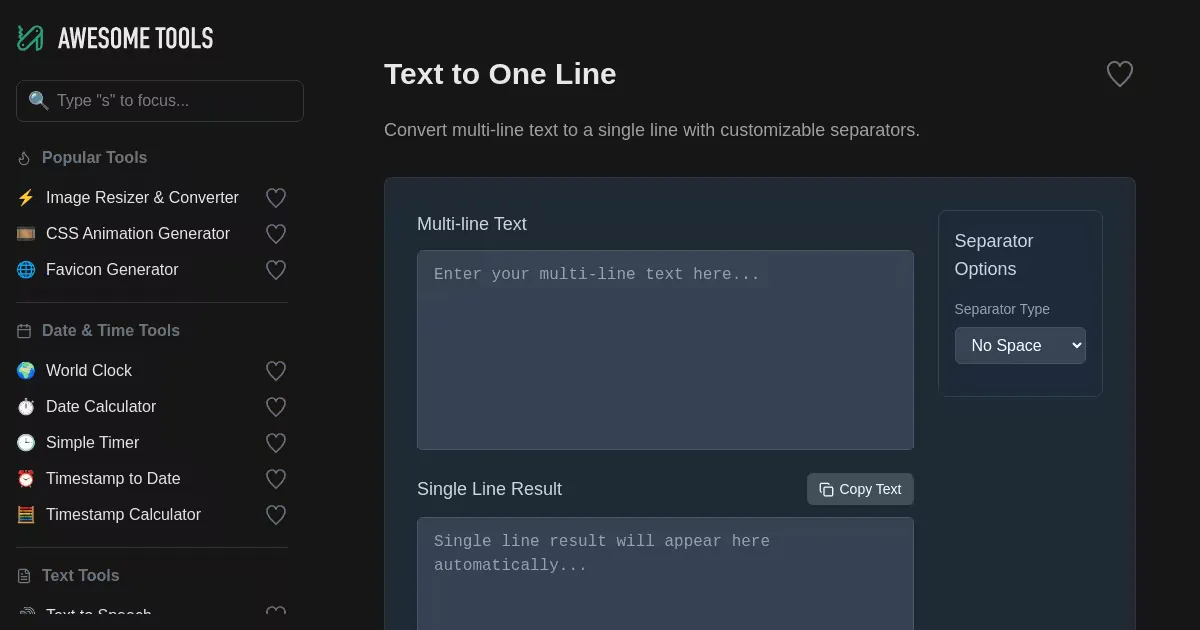
Text to One Line (awesometools.app)
Convert multi-line text into a single line with flexible separator options including spaces, commas, semicolons, or custom separators. Simple and fast text formatting.
