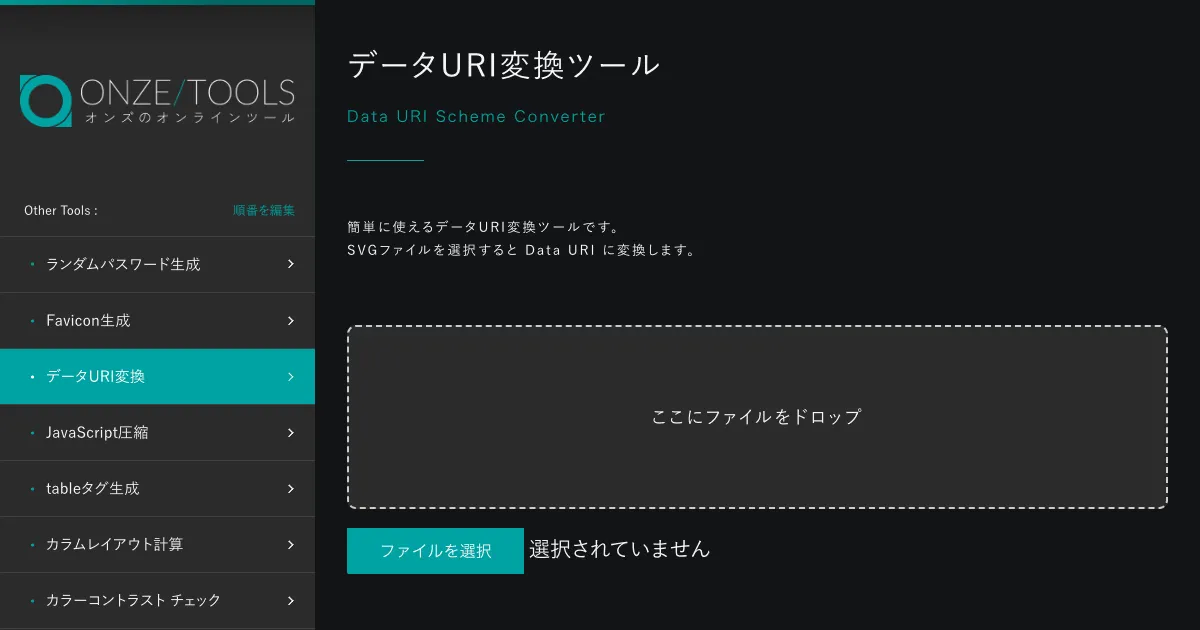
Data URI Converter (on-ze.com)
An easy-to-use Data URI converter. Select an SVG file to convert it to the Data URI format. Supports drag and drop.

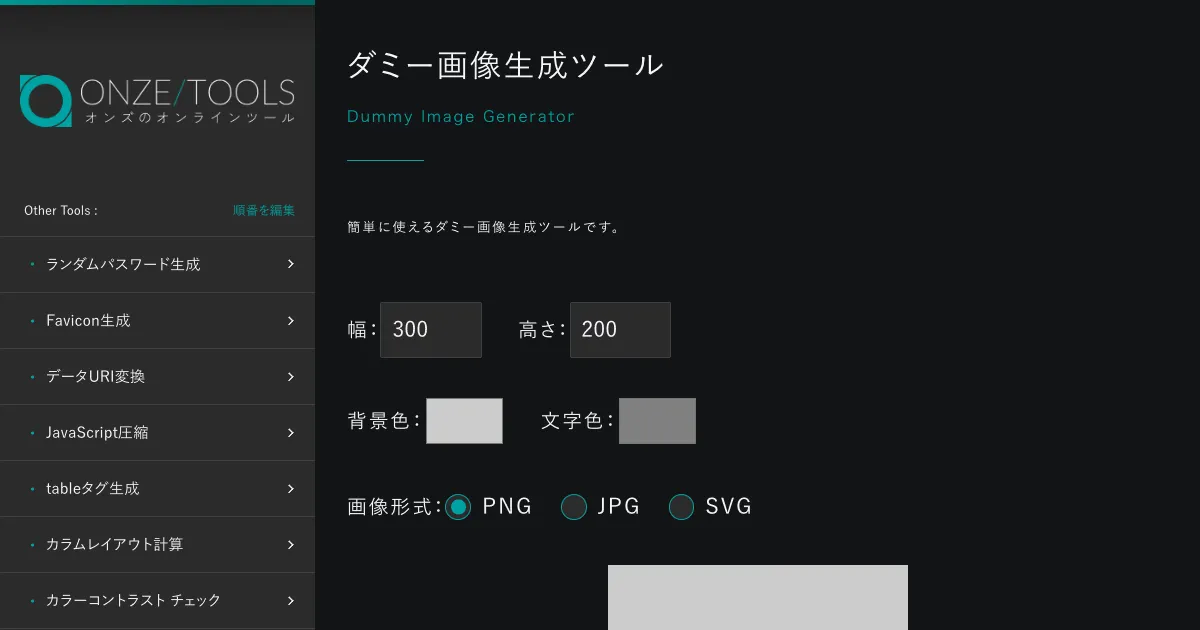
Dummy Image Generator (on-ze.com)
An easy-to-use dummy image generator. Specify the width, height, background color, text color, and image format (PNG, JPG, SVG) to generate and download placeholder images.

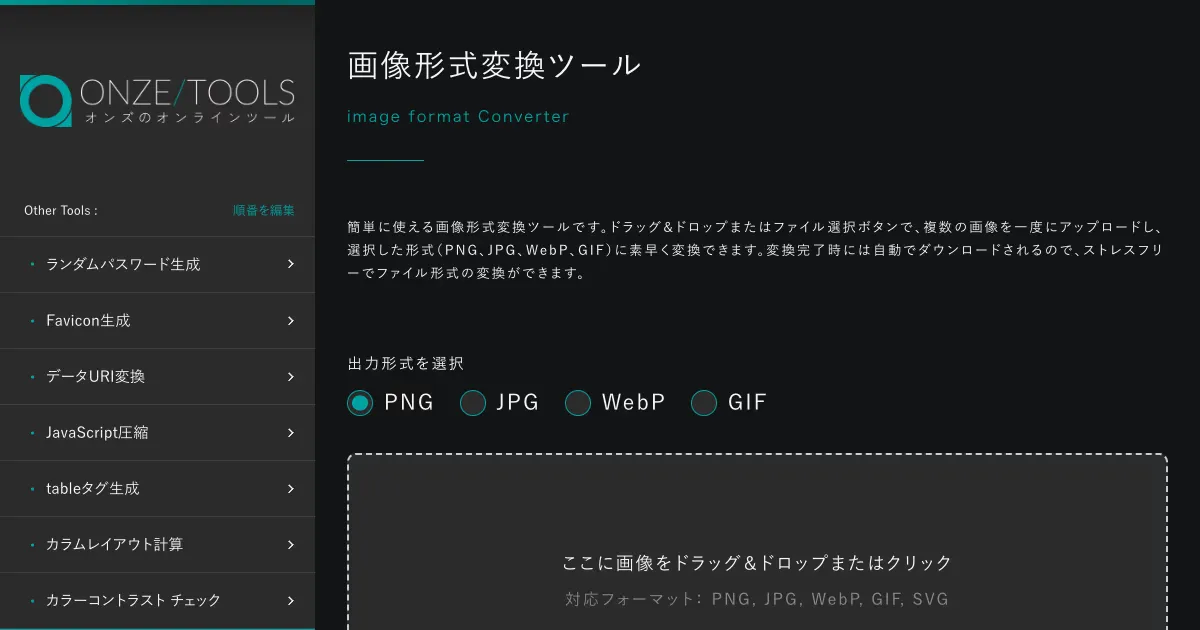
Image Format Converter (on-ze.com)
An easy-to-use image format converter. Upload multiple images at once via drag and drop and quickly convert them to PNG, JPG, WebP, or GIF format.

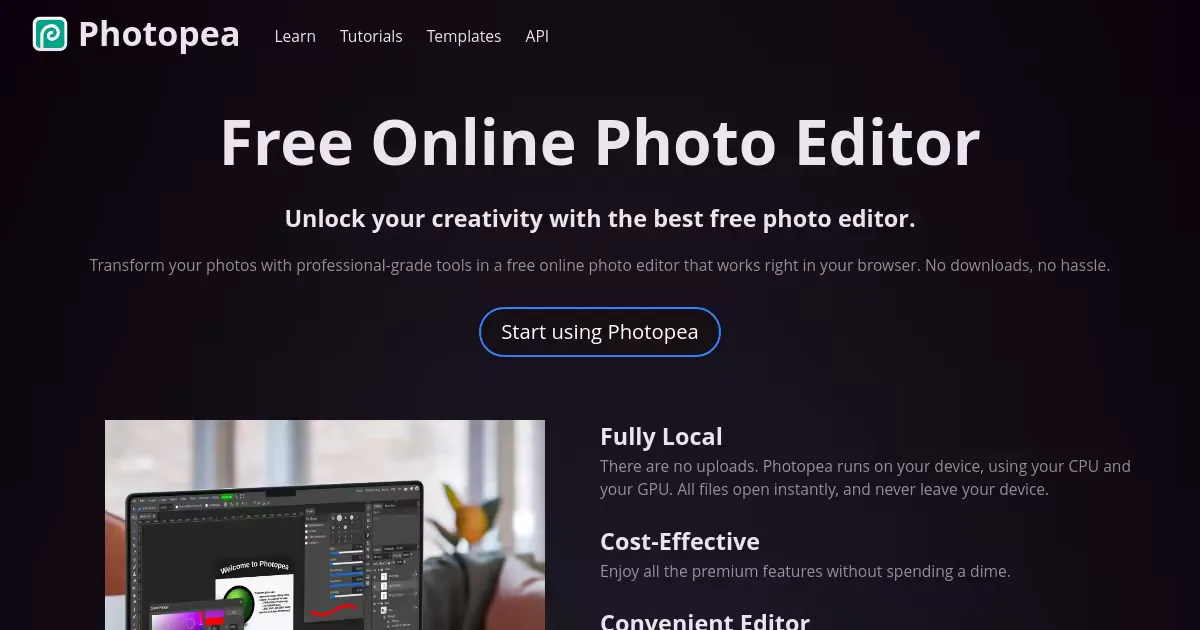
Photopea
Free online photo editor compatible with Adobe Photoshop (PSD). Supports 40+ formats including PNG, JPG, GIF, WebP, SVG, AVIF, and PDF. Features layers, masks, and AI-powered background removal. All processing runs locally in the browser.

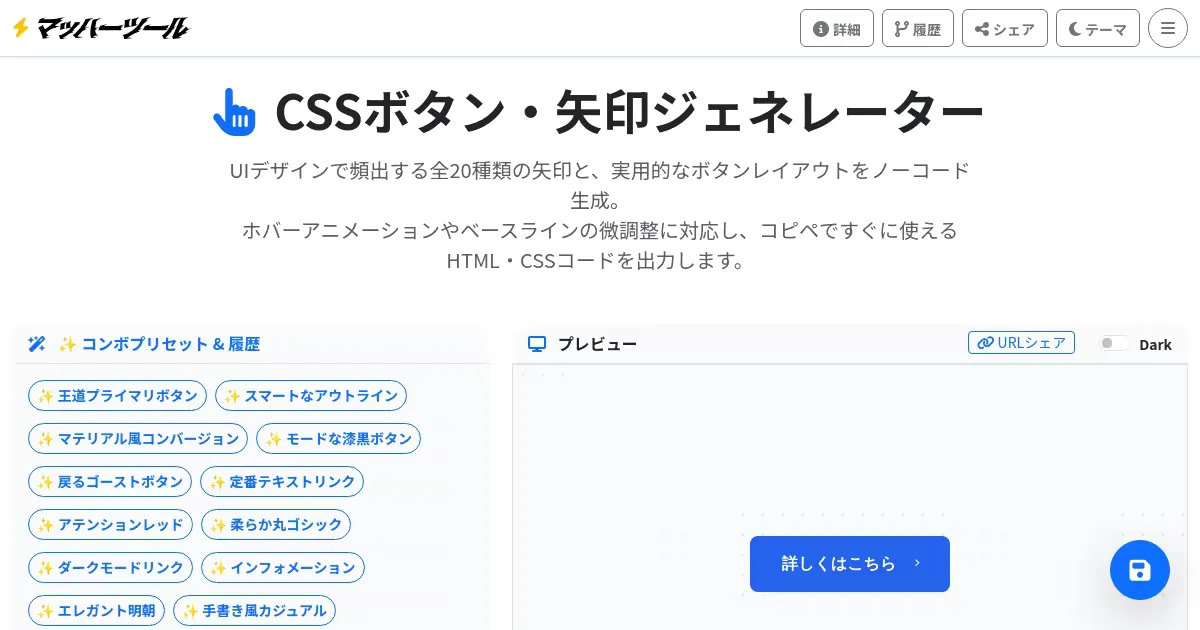
CSS Button & Arrow Generator (www.mach-tools.net)
A no-code tool for generating 20 types of arrows and button layouts commonly used in UI design. Supports hover animations and customization of color, size, and border radius. Export as HTML/CSS code or PNG/WebP/SVG.

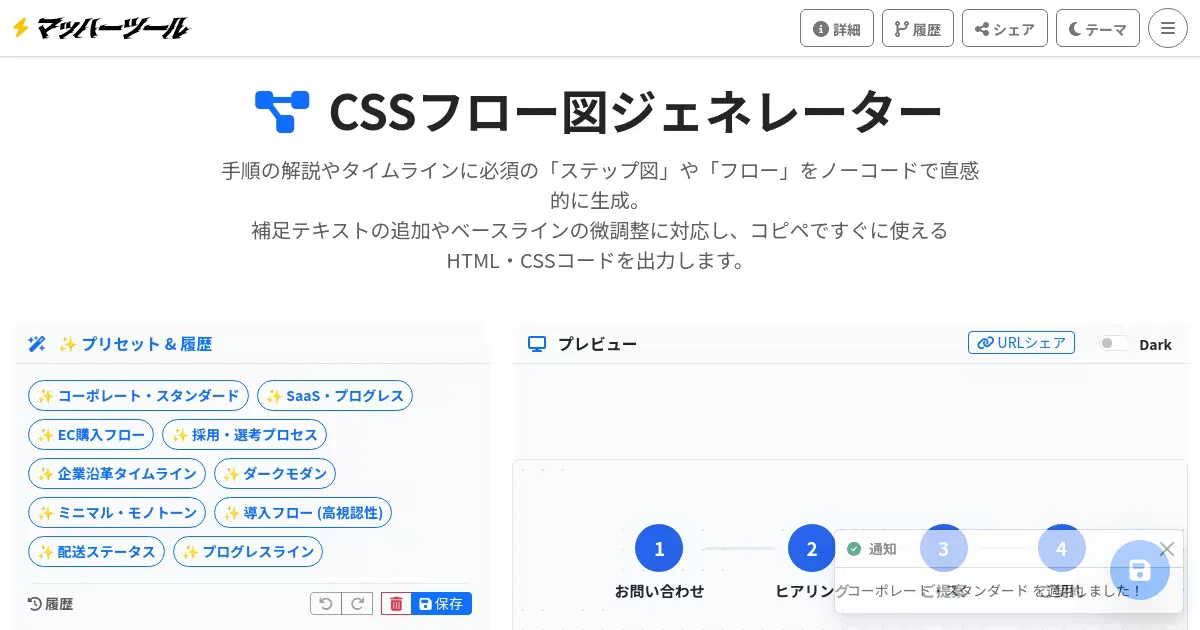
CSS Flowchart Generator (www.mach-tools.net)
A no-code tool for generating step diagrams and flowcharts for tutorials and timelines. Customize node shapes, connector styles, and icons, then export as HTML/CSS code or PNG/WebP/SVG.

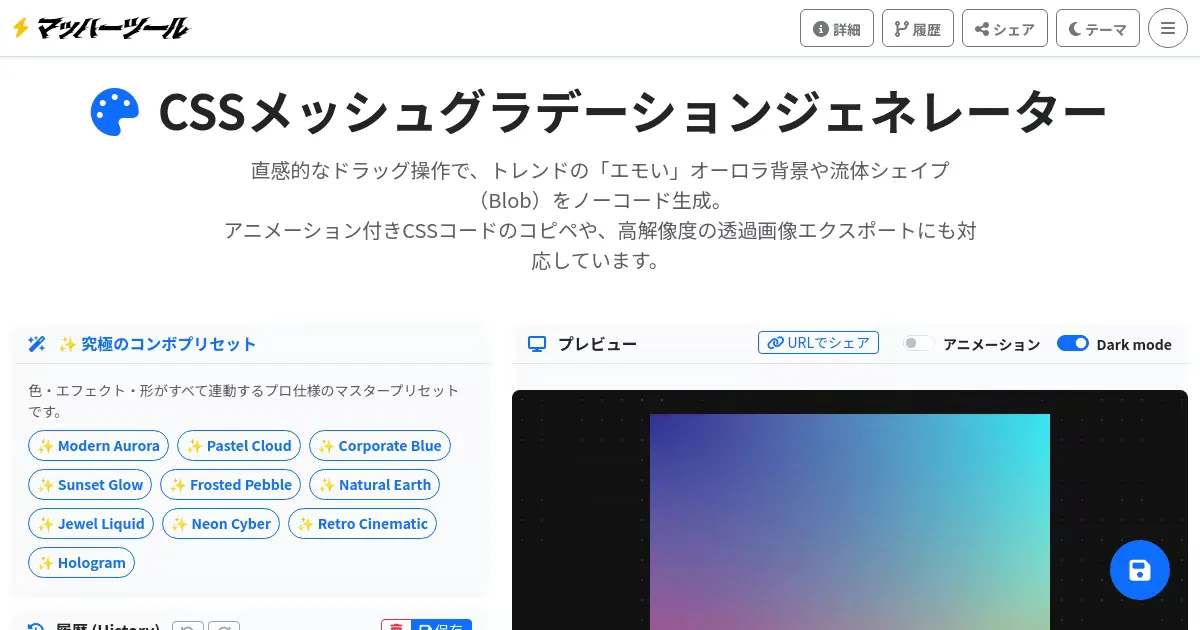
CSS Mesh Gradient Generator (www.mach-tools.net)
A no-code tool for creating aurora backgrounds and slime-shaped mesh gradients with drag-and-drop operations. Supports automatic animation CSS generation and high-resolution export in PNG, WebP, and SVG formats.

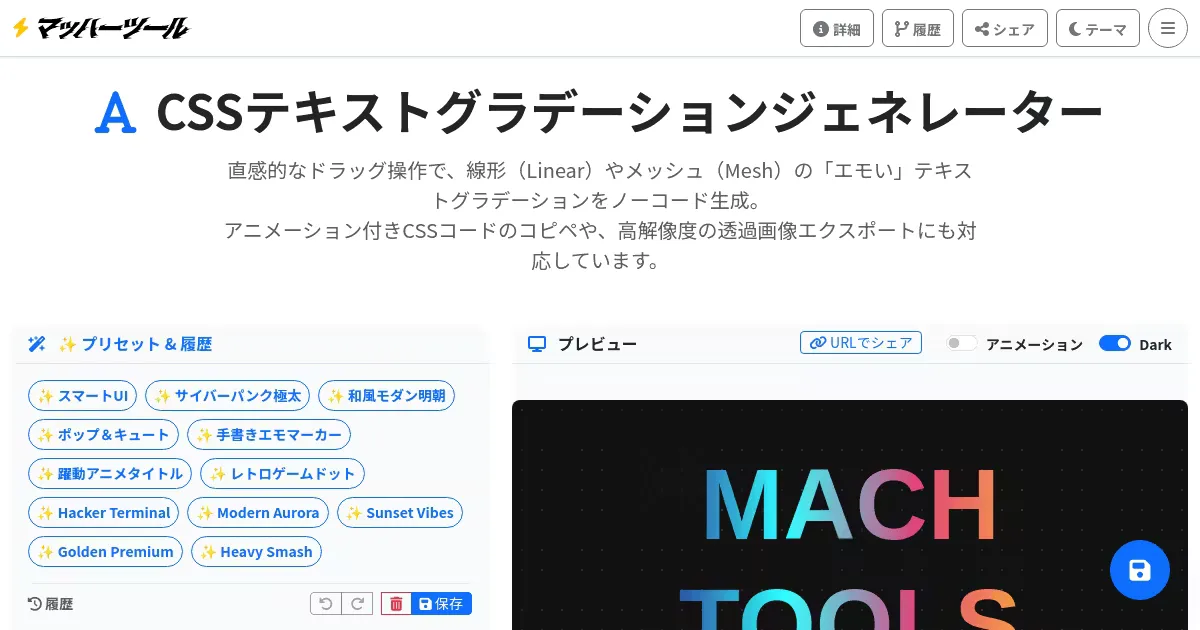
CSS Text Gradient Generator (www.mach-tools.net)
A no-code tool for generating linear and mesh gradient text styles. Supports animated CSS output and export as PNG/WebP/SVG. Design intuitively with drag-and-drop controls.

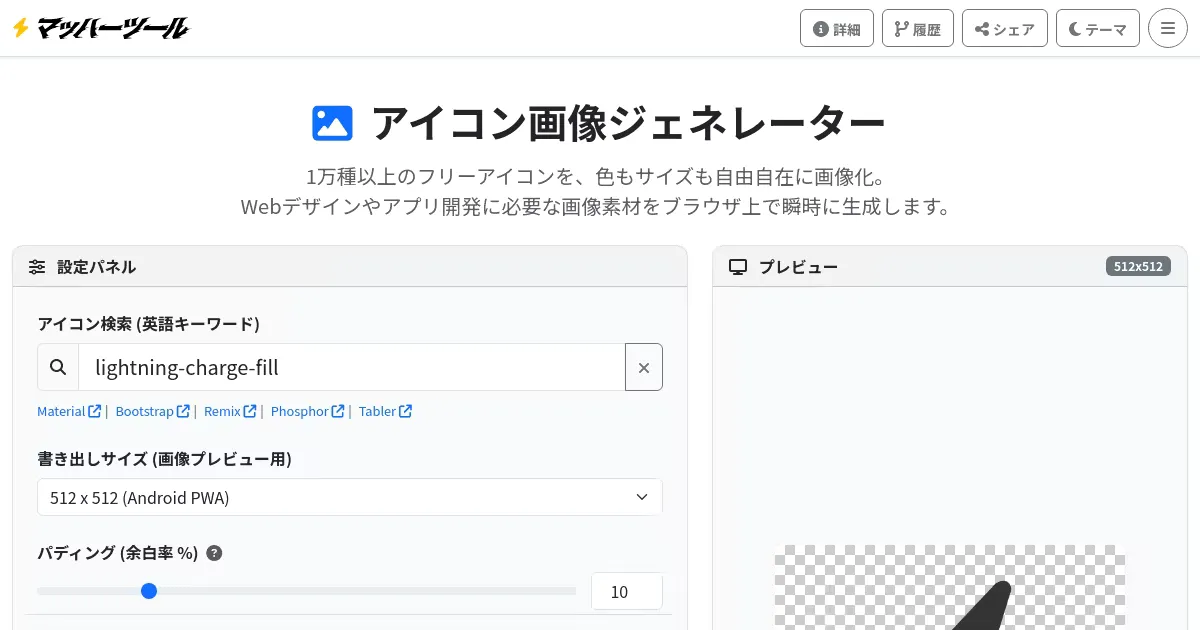
Free Icon Image Generator (www.mach-tools.net)
Tool for searching over 10,000 icons from major libraries including Material Symbols and Bootstrap Icons, and exporting in PNG, WebP, SVG, ICO, and Base64 formats. Supports color, size, and shadow customization.
