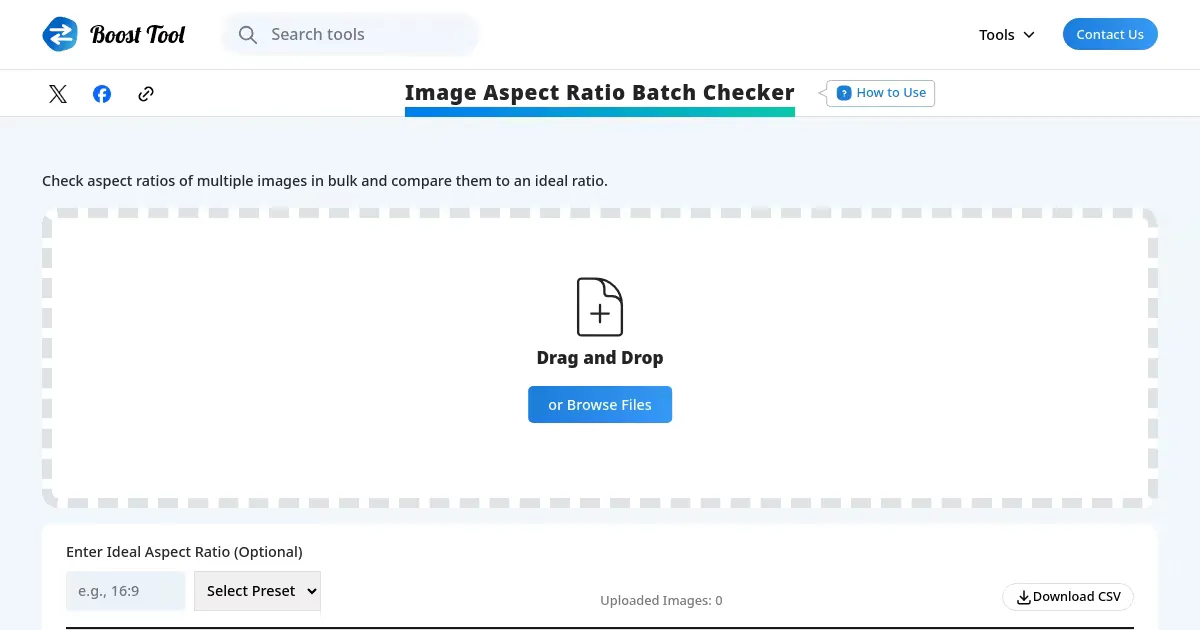
Image Aspect Ratio Batch Checker (boost-tool.com)
A free online tool to check the aspect ratios of multiple images at once. Drag and drop multiple images for a quick batch check, streamlining image organization tasks.

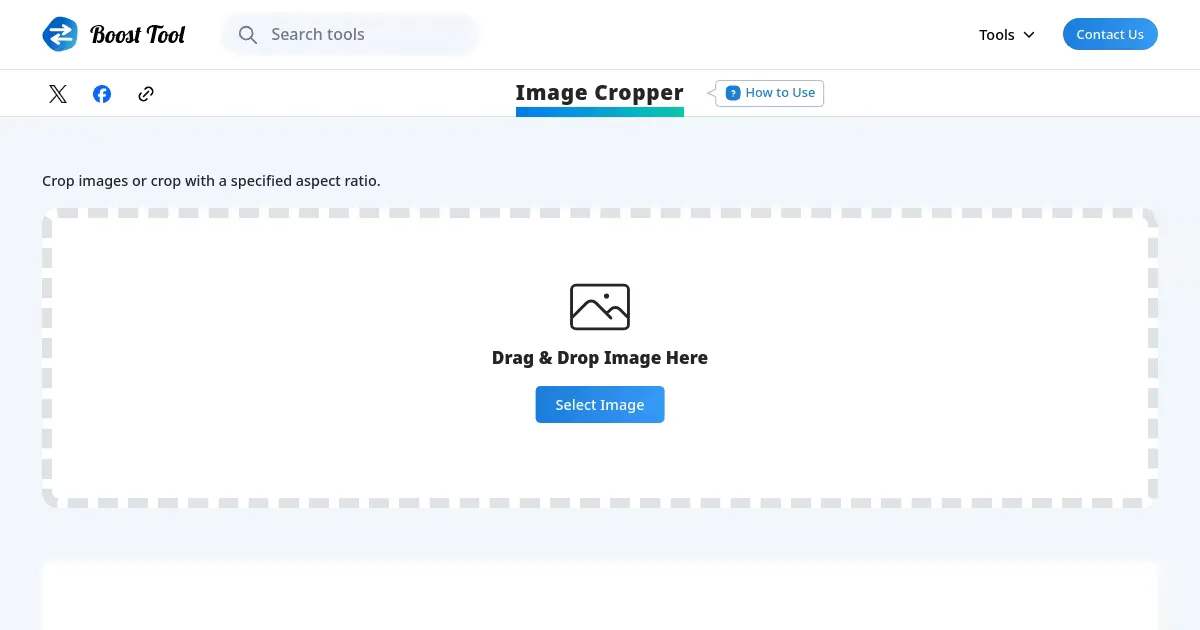
Image Cropper (boost-tool.com)
A free online tool to crop any area of an image directly in the browser and download the result. No registration required, with freely adjustable crop boundaries.

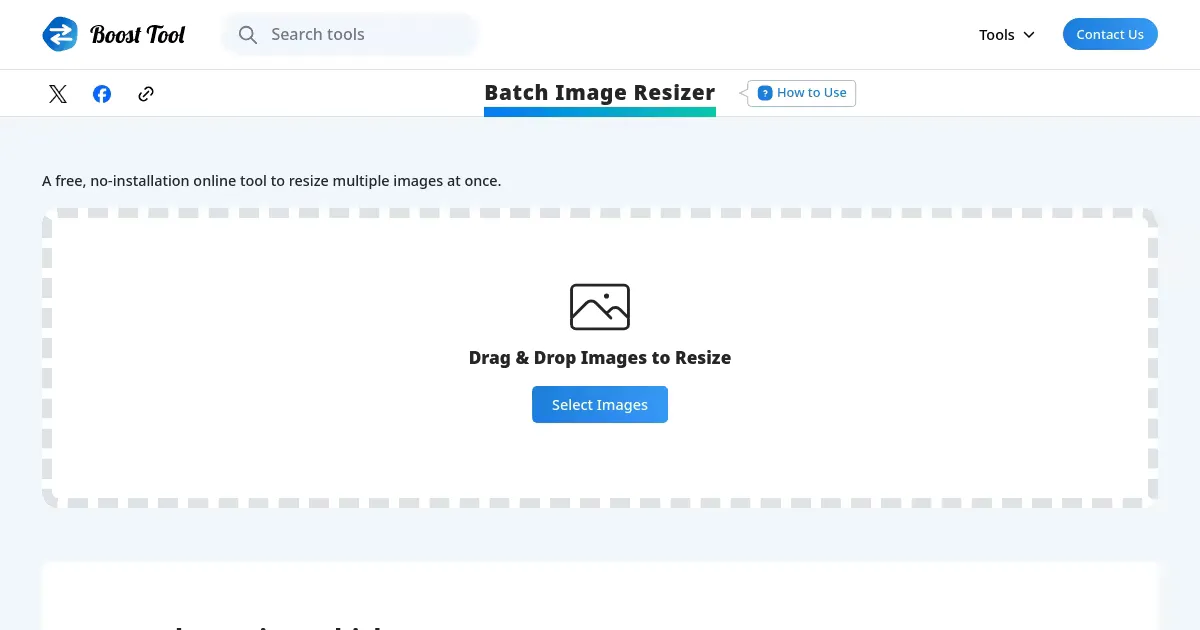
Batch Image Resizer (boost-tool.com)
A free online tool to batch resize multiple images to a specified size. Supports aspect ratio preservation, with all converted images available for bulk download.

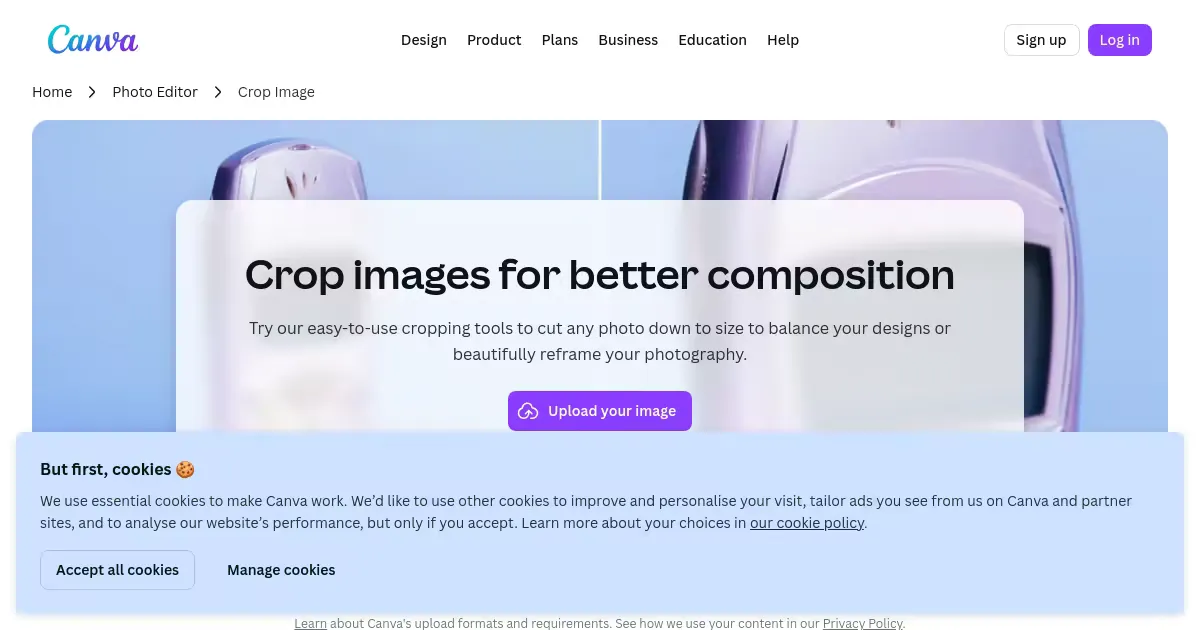
Image Cropper (www.canva.com)
A free online image cropping tool by Canva. Supports freeform cropping with multiple aspect ratios, Smart Crop for automatic composition detection, and frame-based cropping into decorative shapes like circles and hearts.

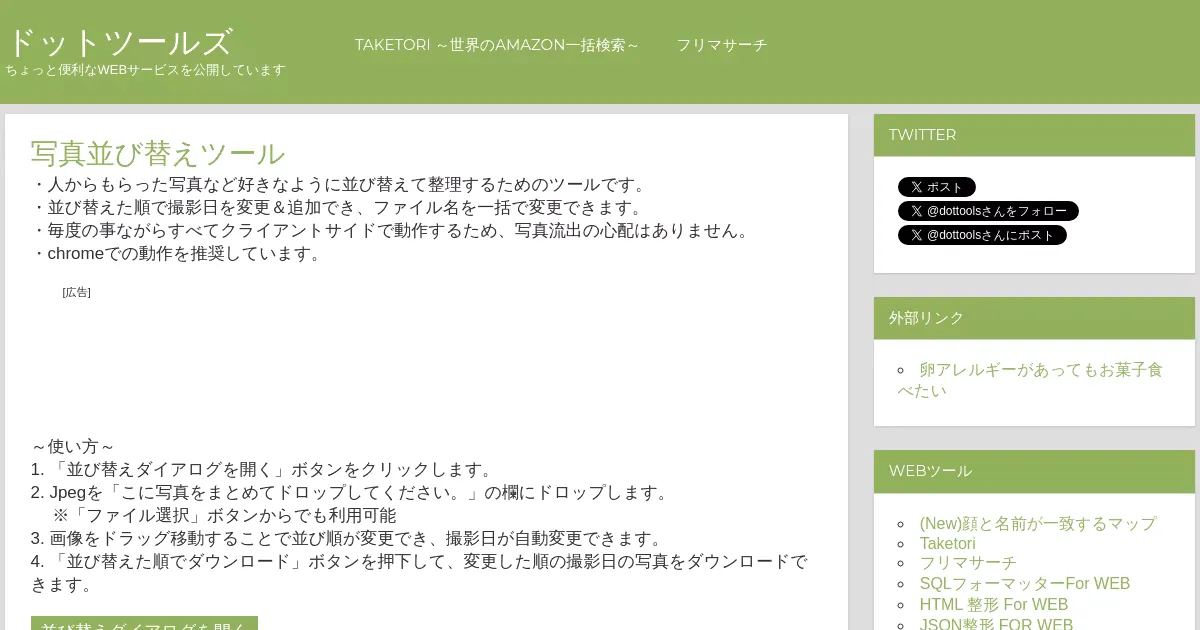
Photo Sorter (atl2.net)
A tool for reordering photos via drag-and-drop and automatically updating their shooting date metadata to match the new order. Also supports sequential renaming and downloading. All processing is handled client-side for privacy.

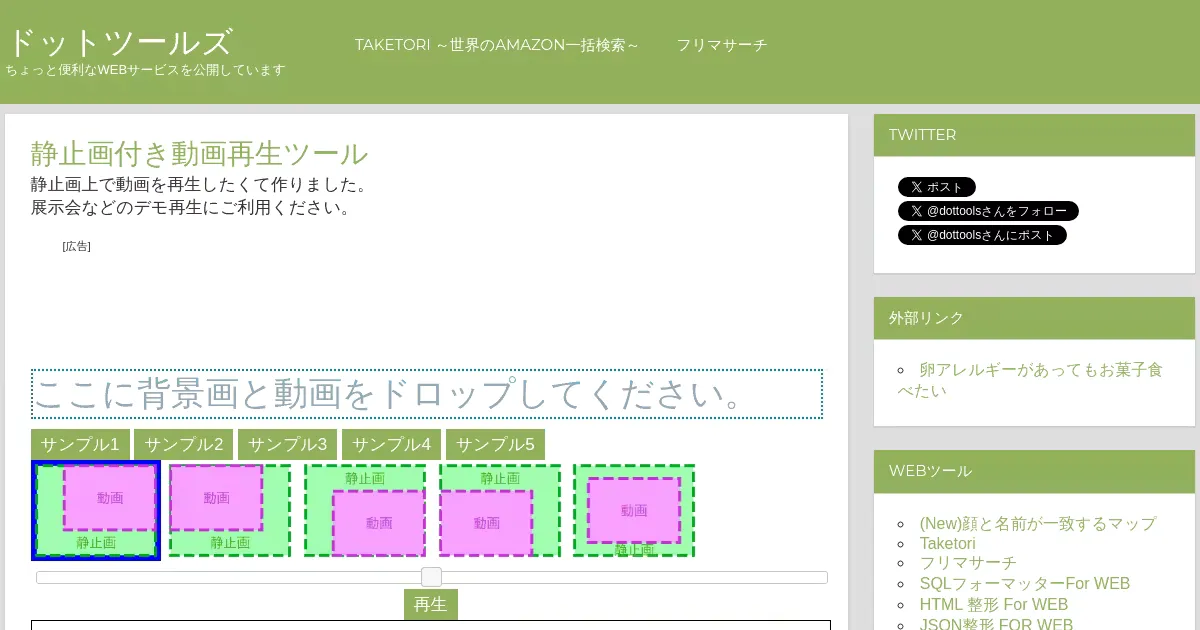
Video Player with Still Image (atl2.net)
A web tool for playing videos overlaid on a background image. Designed for exhibition and demo presentations, it supports drag-and-drop upload of background images and videos, with five positioning options for the video overlay.

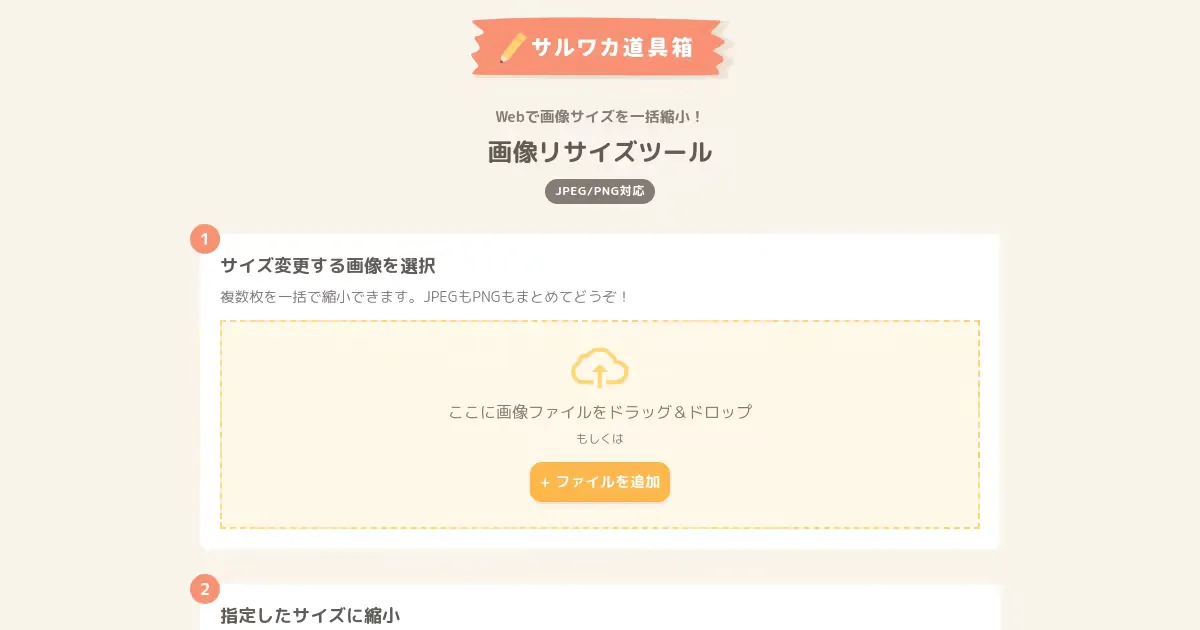
Image Resizer (saruwakakun.com)
A browser-based bulk image resizer for JPEG, PNG, and GIF files. Resize while preserving aspect ratio, adjust quality, and download multiple images as a ZIP archive.

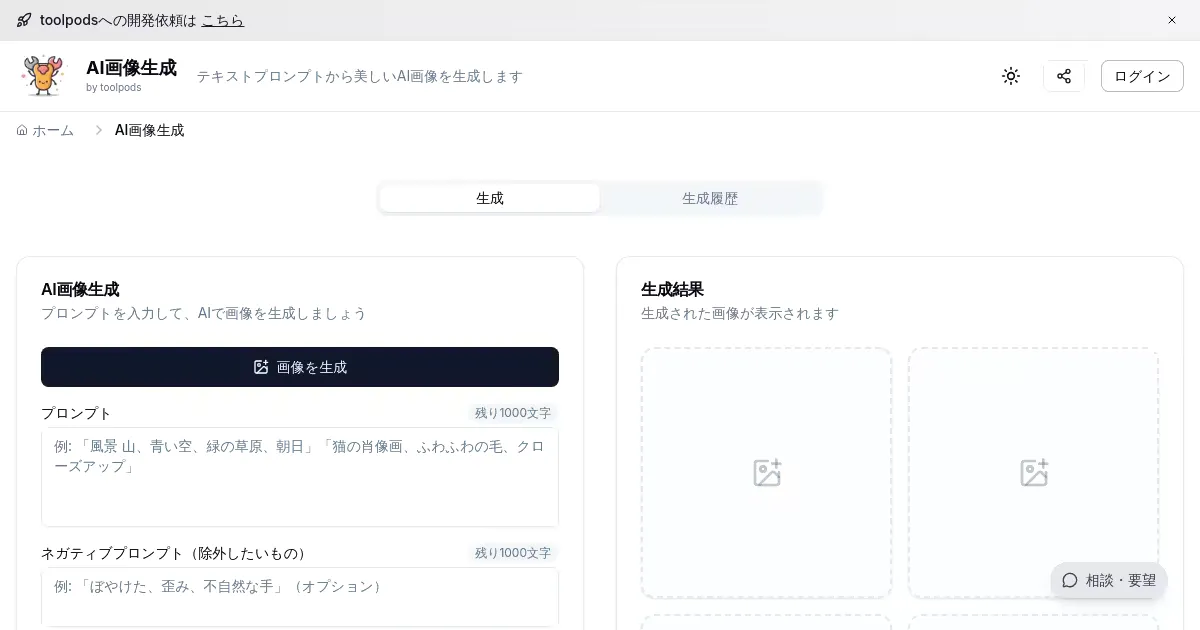


Image CDN (toolpods.io)
Host and serve images via CDN. Upload an image to obtain a CDN URL for use in web projects.

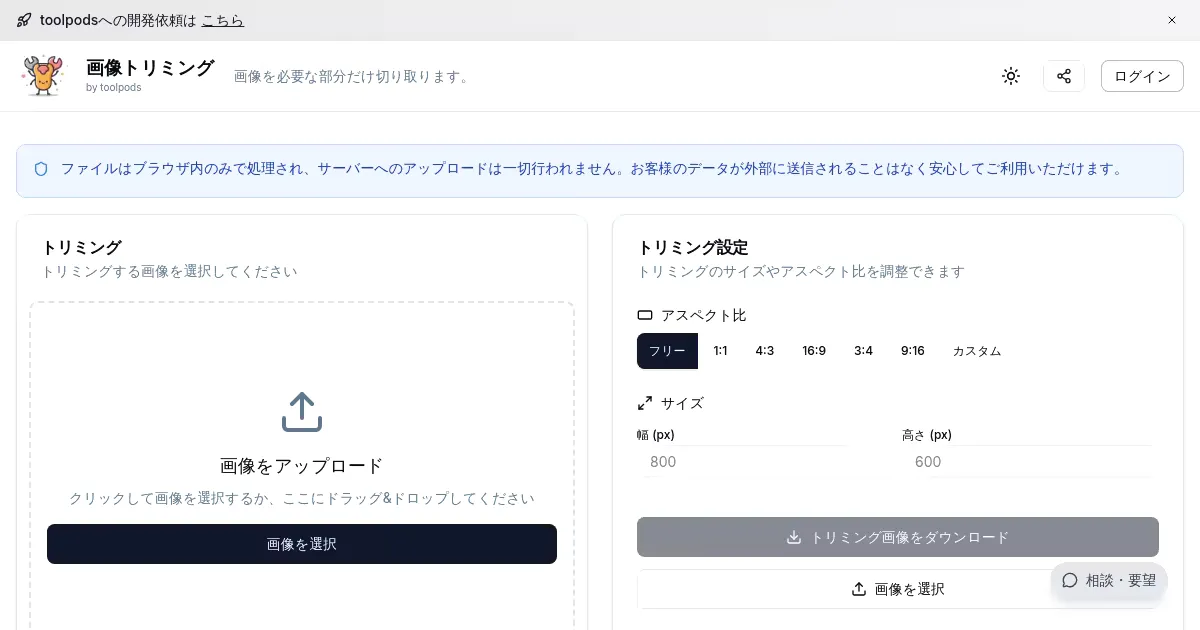
Image Crop (toolpods.io)
Crop images directly in the browser. Specify the crop area freely and download the processed image.

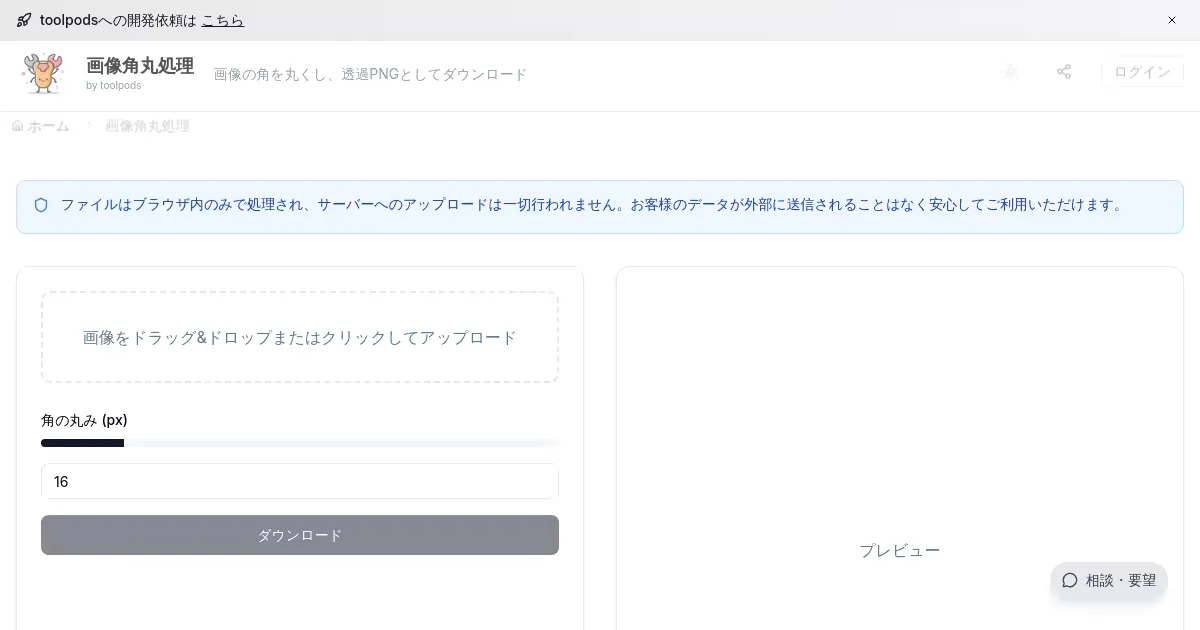
Image Rounded Corners (toolpods.io)
Apply rounded corners to images by adjusting the border-radius value. Preview changes in real time before downloading.

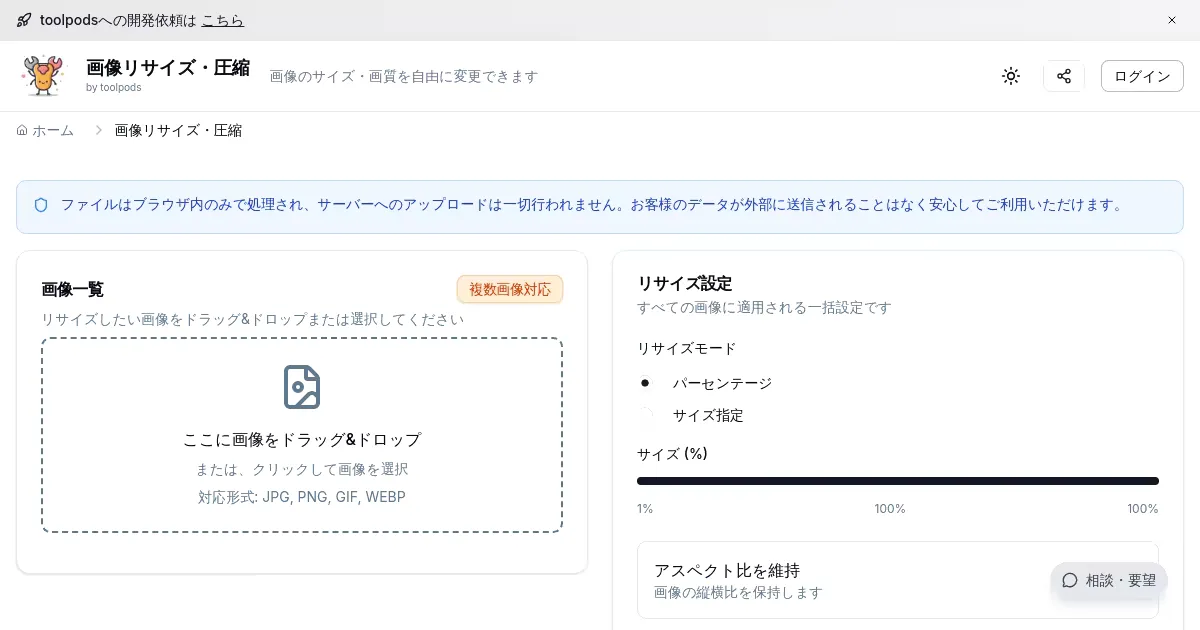
Image Resize & Compress (toolpods.io)
Resize images in the browser. Specify width and height to scale images and download the result.
